WordPress development
WordPress Development Your Team Can Actually Run
WordPress is still the best choice for a site your own team publishes to every week. The problems people blame on WordPress usually come from how it was built: a heavy theme, a page builder with no limits, and twenty plugins doing small jobs. I build custom themes with structured fields, keep the plugin list short, and hand over a site your editors can update without breaking the layout.
What this fixes
Editors who can break the design
Give a marketing team a blank page builder and the site drifts a little with every edit. I build with ACF fields that map to designed components, so editors fill in labelled inputs and the layout stays intact. Where a client prefers Elementor or Bricks, I set up global styles and templates so most of the design is locked in.
A store that slows down as it grows
WooCommerce is quick with forty products and slow with four hundred if the catalogue, images and queries were not planned for it. I structure categories and attributes for the size the store is going to be, size product photos properly, and keep heavy plugins off the pages that do not need them.
More than one language
Bolting translation onto a finished theme tends to break navigation and card layouts the first time a translated string runs longer. I build multilingual sites with WPML from the start, so each language is a full version of the site, including products and checkout, managed from one admin.
How I work
The process
- Content model firstWe list the page types and what an editor needs to change on each. That becomes the field structure, which is what keeps the site easy to run later.
- Fixed scope and quoteThe written scope names every template, plugin and integration, with milestones and a price agreed before work starts.
- Build on stagingThe theme is built on a staging copy you can log into from the first week, so your team tries the editing screens while there is still time to change them.
- Speed and security passImages, caching, plugin audit, and updated core, theme and plugins before launch. Admin access is locked down to the people who need it.
- Editor walkthroughA walkthrough of how to add and edit content, plus a short written guide. A maintenance retainer is available if you would rather not handle updates yourself.
Tools
The stack
- Custom themes
- Markup and page weight under control, with no marketplace theme overhead.
- ACF
- Structured fields so editors change content without touching layout.
- WooCommerce
- Catalogue, cart, checkout and order management on the same admin.
- WPML
- Every language as its own maintainable version of the site.
- Elementor, Bricks or Divi
- When your team prefers a visual builder, set up with global styles and templates.
- GSAP
- Animation built into the theme instead of loaded by a plugin on every page.
Closest examples
Live sites you can check yourself
Every one of these is in production. Click through and judge it.
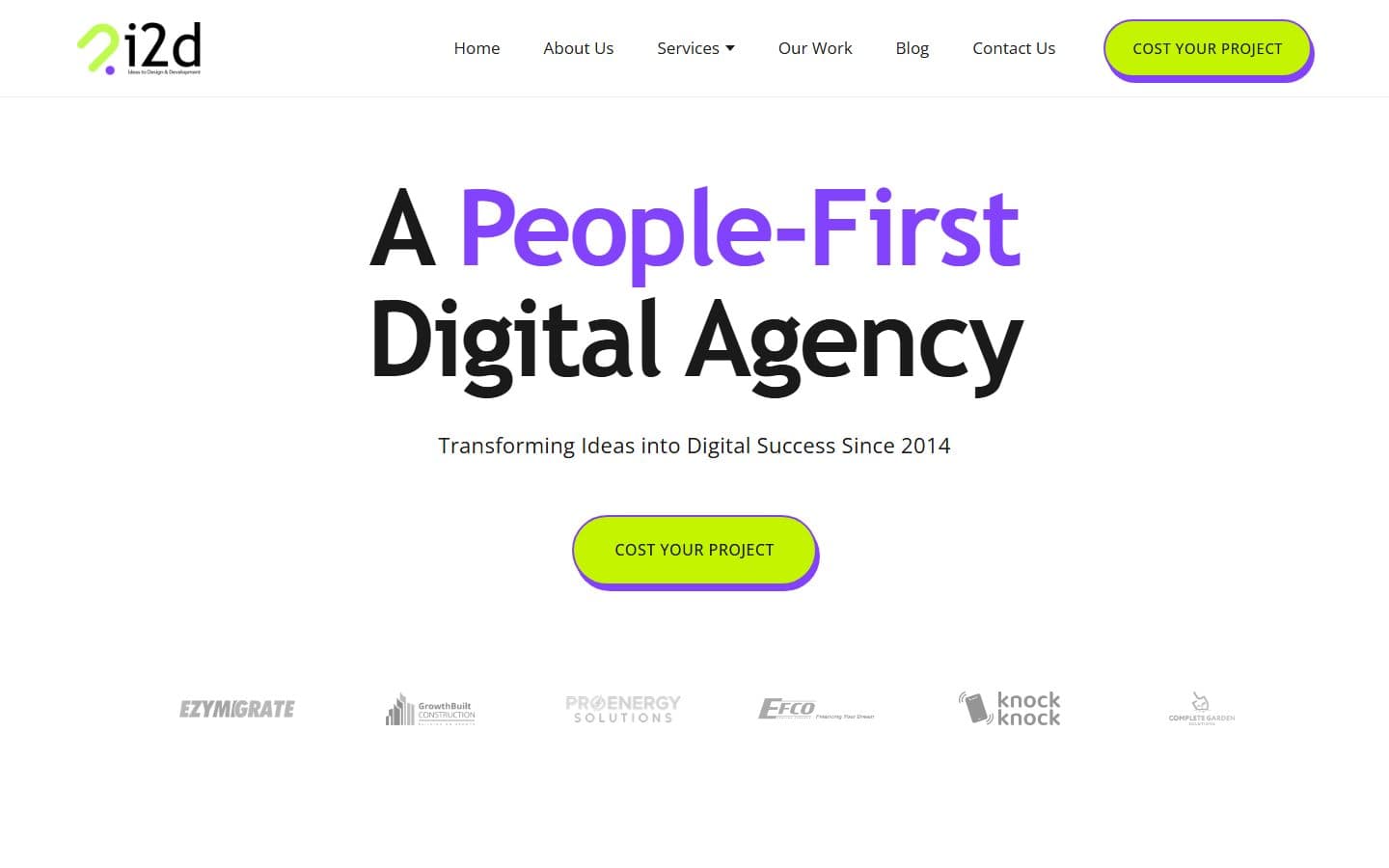
i2D
Digital agency website with custom templates and GSAP
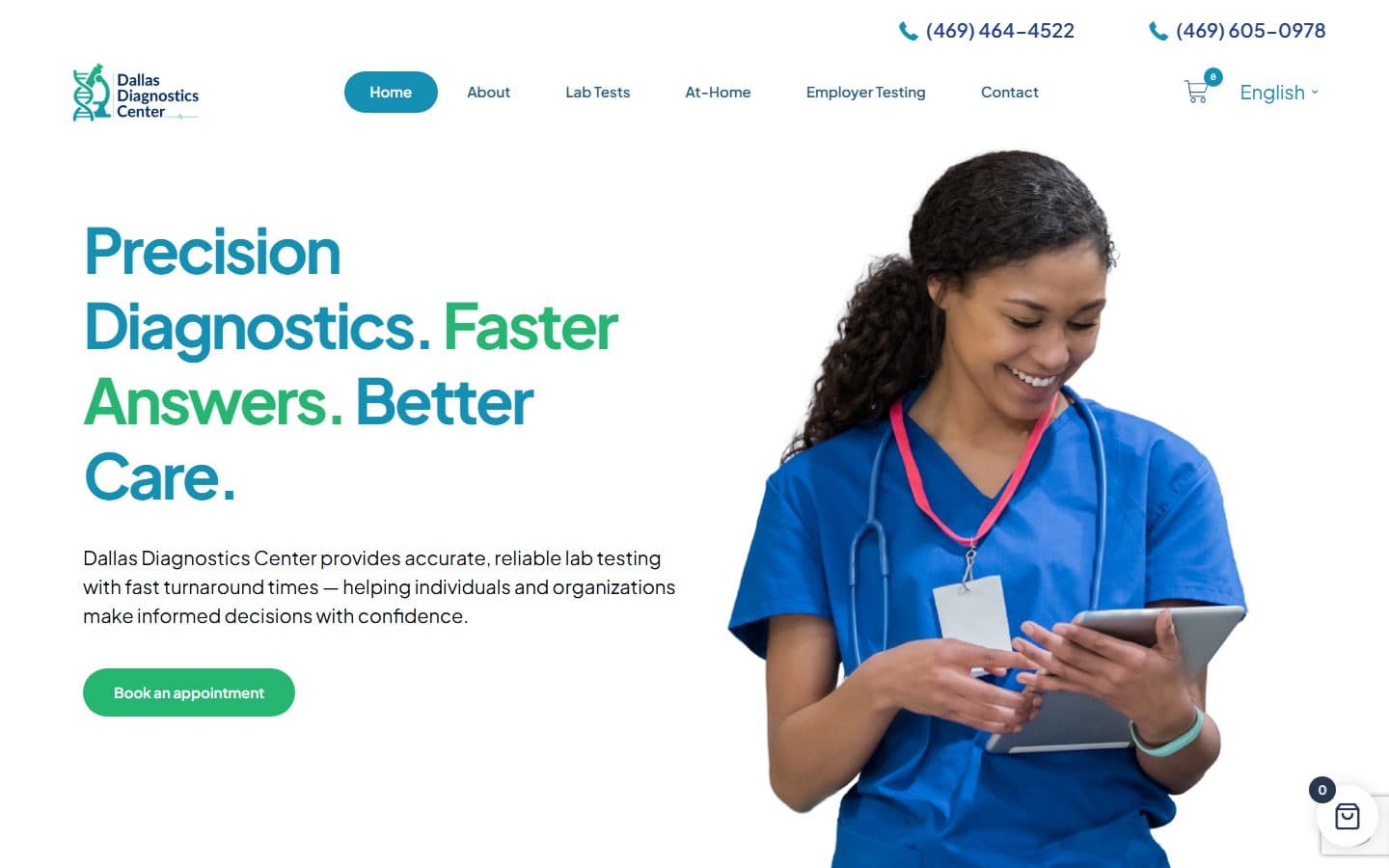
The Precise Lab
Multilingual WooCommerce store built with WPML

Ways to work together
Pick whichever fits the work
Price depends on scope, so it comes after the first call rather than off a menu.
Fixed-price project
A defined build with a clear finish line
- One agreed price, set before work starts
- Milestones with a payment against each
- Scope in writing, changes quoted separately
- Best when you know roughly what you need
Hourly
Work that cannot be scoped up front
- Joining an existing codebase
- Debugging, audits and one-off fixes
- Exploratory work where the shape is unclear
- Time logged and reported, no minimum block
Monthly retainer
A site that needs someone on it every month
- A set block of hours each month
- Priority over ad-hoc requests
- Updates, fixes and small features
- Someone who already knows the codebase
Before you ask
Common questions
Do you use page builders or custom themes?
Both. A custom theme with ACF fields is my default because it stays fast and is hard to break. If your team already works in Elementor, Bricks or Divi, I build in that and set up global styles so the design holds.
Can you fix or speed up an existing WordPress site?
Yes. I start with a short audit of the theme, plugins and hosting, then fix the biggest causes first. Often that is images, a few heavy plugins and missing caching, not a rebuild.
Can you build a multilingual WooCommerce store?
Yes, with WPML, including translated products, categories and checkout, all managed from one admin. You supply the translations or your translator does; I make sure each language fits the layout.
Who handles updates after launch?
Your choice. I hand over with a walkthrough so your team can manage content, and offer a monthly retainer for core, theme and plugin updates, backups and small changes.
Will we own the site?
Yes. You get the theme code, admin access and hosting details. There is no lock-in, and another developer can take it over at any time.
Need this built? Let's talk
Tell me what the site needs to do. You get a written scope and a fixed quote, including an honest answer if a smaller fix would do the job.
Start a conversation →